
Create more image variants for your products and find out what works best in ads.
You start from your store's product photos and create images in different settings, styles and contexts. You explore more creative ideas, adjust the results until you get what you want and test the variants in your campaigns, without a photo shoot for every concept.
One product. More creative ideas to test.
A simple photo can be enough for a product page.
But when you want to promote it, you need more than the same image used in every campaign. Maybe you want to show it in a premium setting, show how it is used or test a completely different style. Every new idea takes time to prepare materials, edit, or even a new photo shoot. With Creative Studio, you can create and test more visual directions for your products, starting from the photos you already have.
TEST SET · LEATHER BAG
- Your brand · Sponsored · Variant A
- Your brand · Sponsored · Variant B
- Your brand · Sponsored · Variant C
- Ready to test in campaigns
NEW IDEA · DESK LAMP
- Photo shoot
- Studio and props
- Photographer
- Editing
- A few days
- Setting: bright office
- Starting from the photo you already have
ADJUSTMENT · WIRELESS HEADPHONES
- Warmer light, same angle.
- Adjusted image
BRAND PREFERENCES
- Warm light
- Dark background
- Preferences carry over to the next images
- 01
More variants to test
You create different images for the same product and test which style or concept works better in your campaigns.
- 02
Fewer photo shoots for new ideas
You explore new settings, contexts and styles without organizing a photo shoot for every variant you want to test.
- 03
More control over the result
You give feedback, adjust the images and keep your brand preferences for the next generations.
You choose the product. You say what you want. You create the variants you want to test.
- 01
Choose the product from the catalog
You start from the photo of the product connected to AOPY, without searching for images in folders or uploading them for every project.
- 02
Describe the image you want to create
You choose the setting, mood or concept you want. The AI uses the product photo to generate a new image in the chosen direction.
- 03
Generate, adjust and pick the right variants
You explore more images, give feedback and adjust the results until you get the variants you want to use in campaigns.
Creative Studio · Catalog · New image
Demo dataSearch the catalog
- All products · 1,248
- Amber Perfume
- Leather bag
- Desk lamp
- Wireless headphones
- Ceramic vase
- Linen dress
- Mug
- Classic watch
DESCRIBE THE IMAGE
- Amber Perfume 50 ml · From the catalog
- The perfume on a marble side table, next to white flowers, in warm morning light.
- Setting · Light · 1:1 format
- Generate variants
GENERATED VARIANTS
- Adjusted: Make the light warmer and keep the white flowers.
- 2 variants selected
- Ready for campaigns
- Download
The same product, presented in completely different ways.
Halter dress
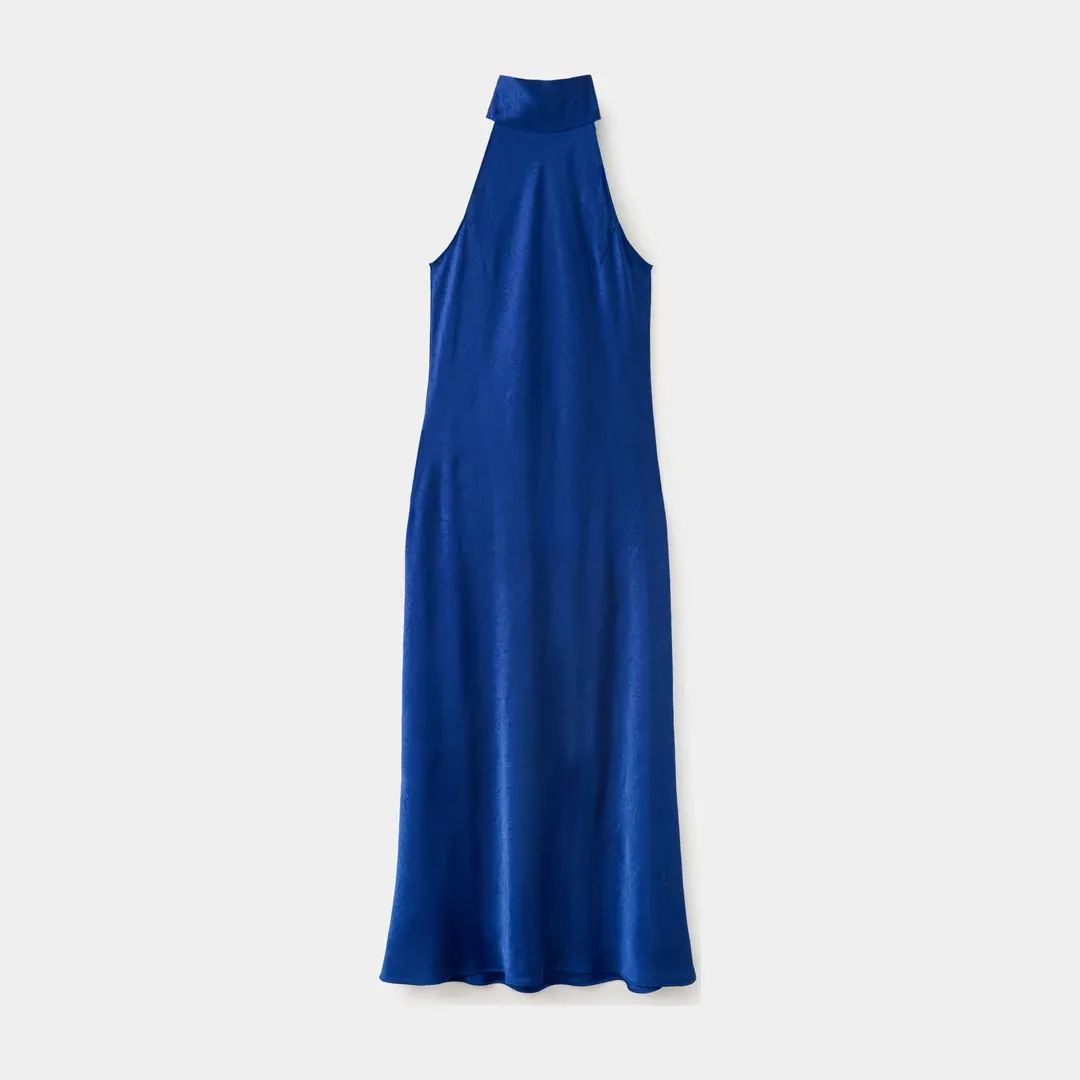
Original 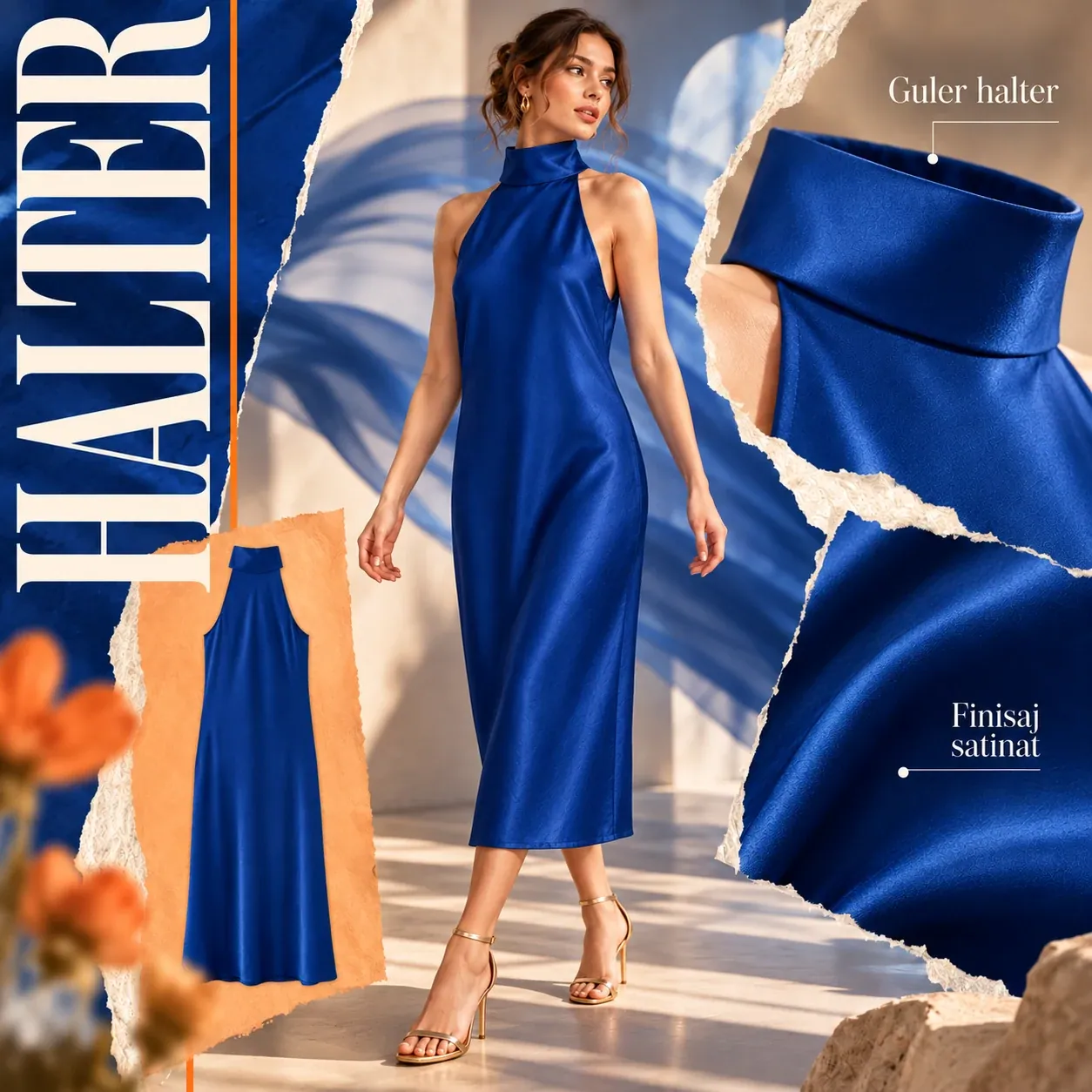
Creative Studio Crocodile dress
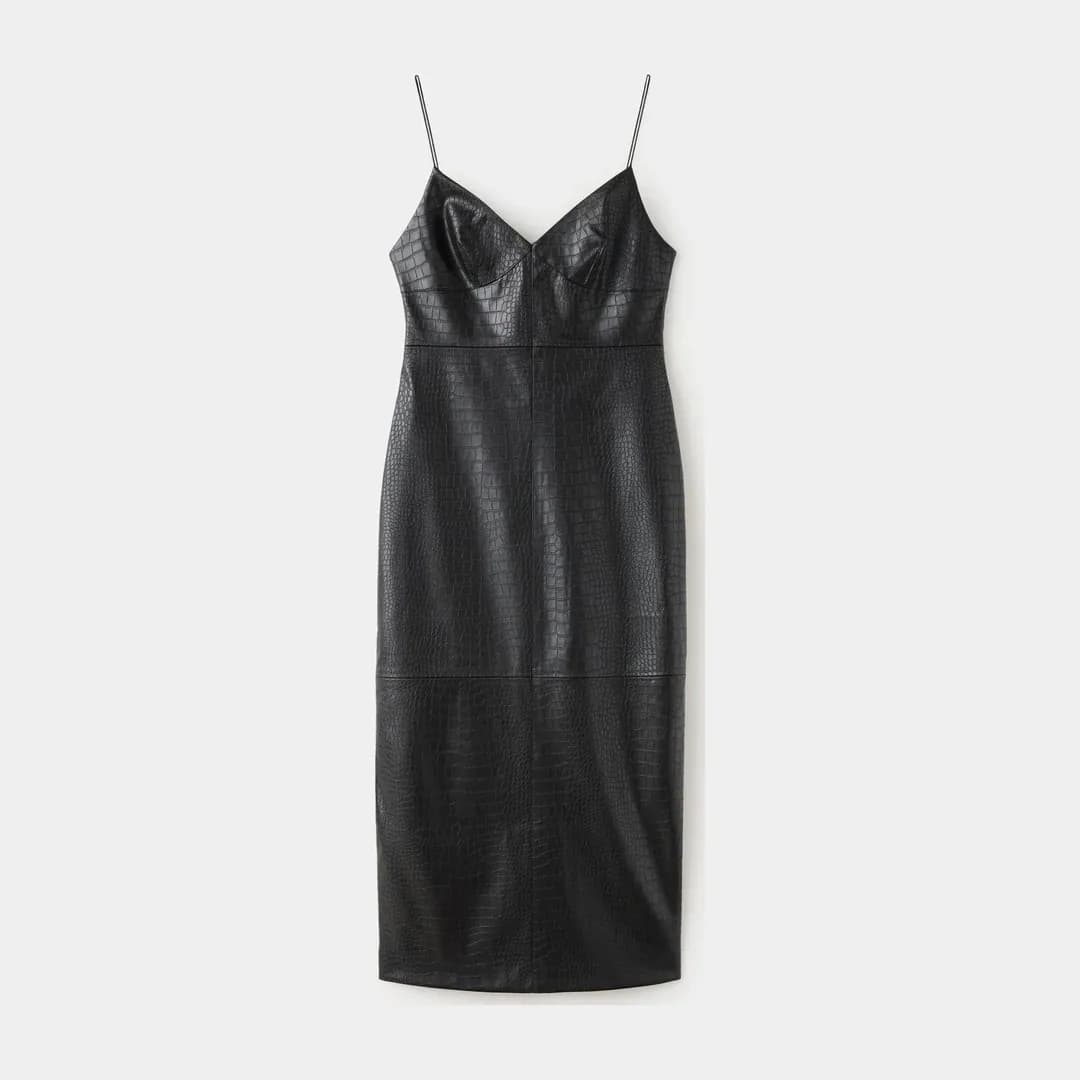
Original 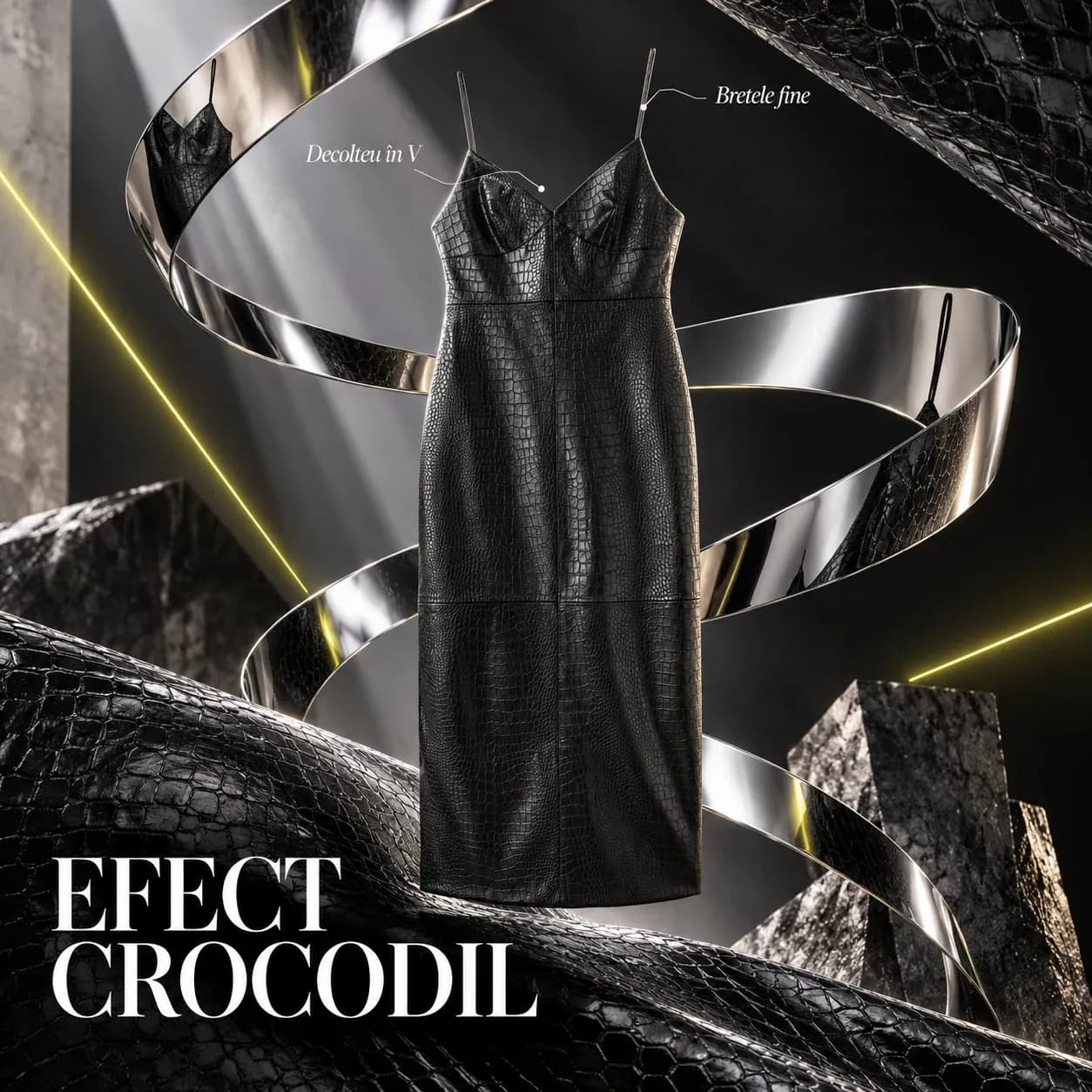
Creative Studio Sneakers
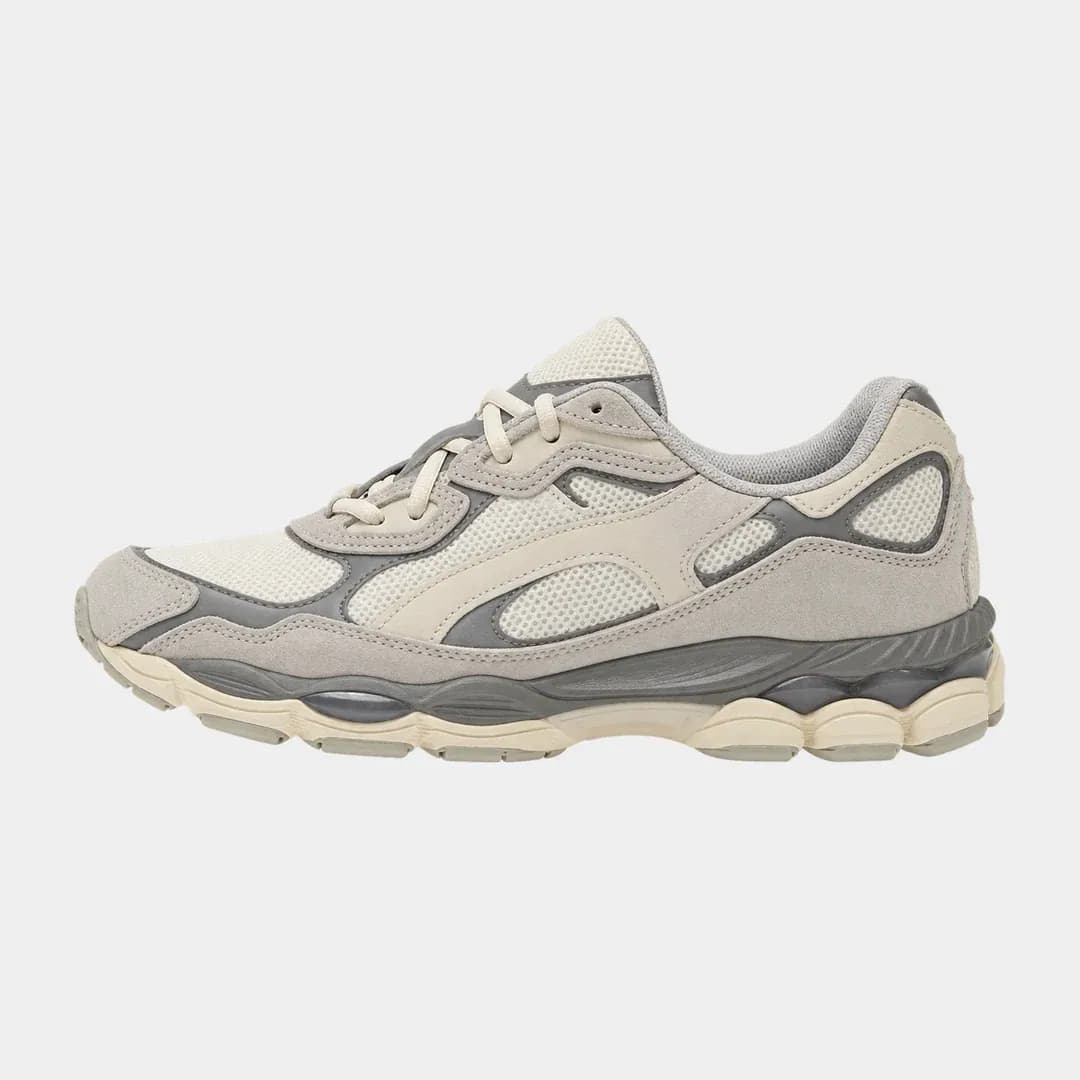
Original 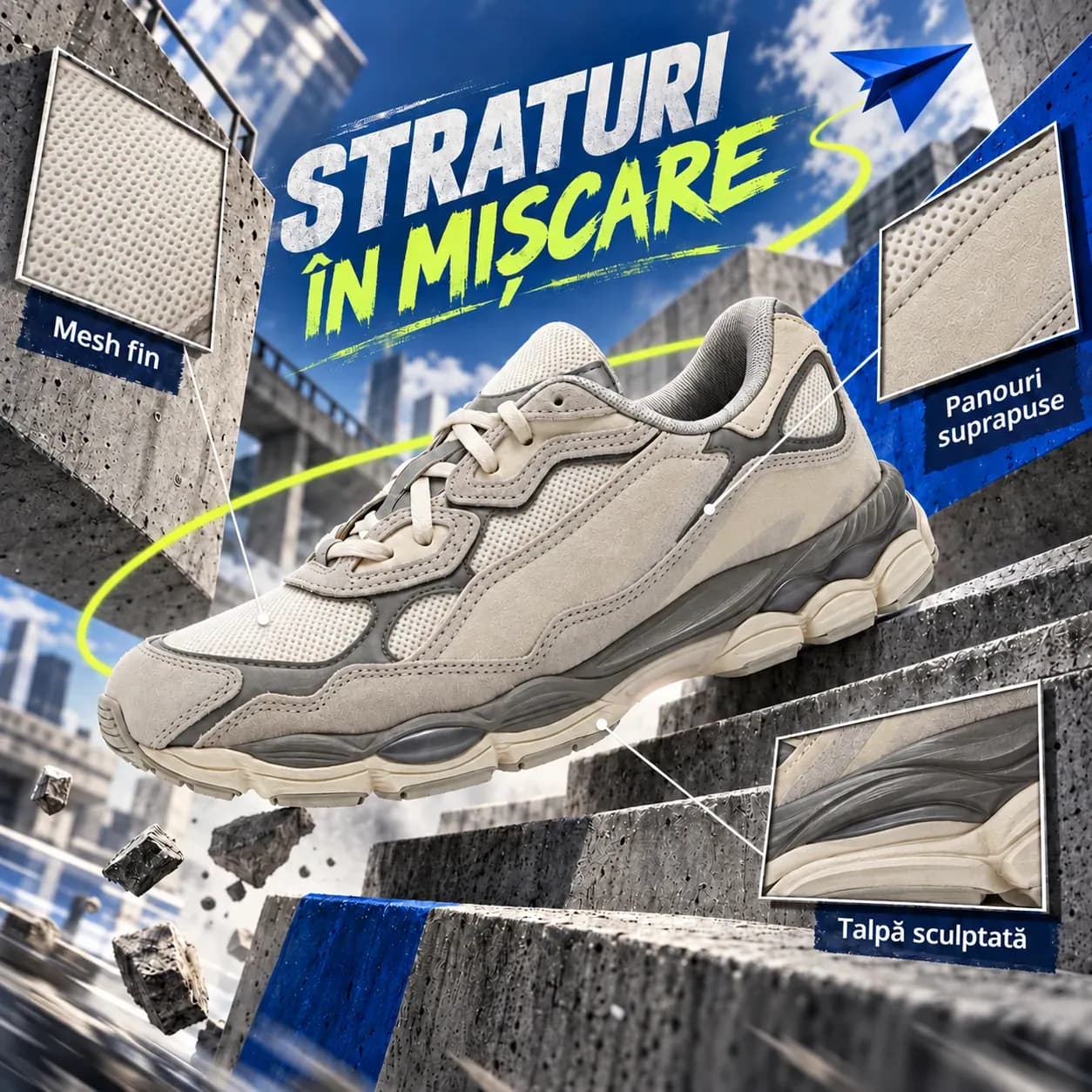
Creative Studio Foldable phone
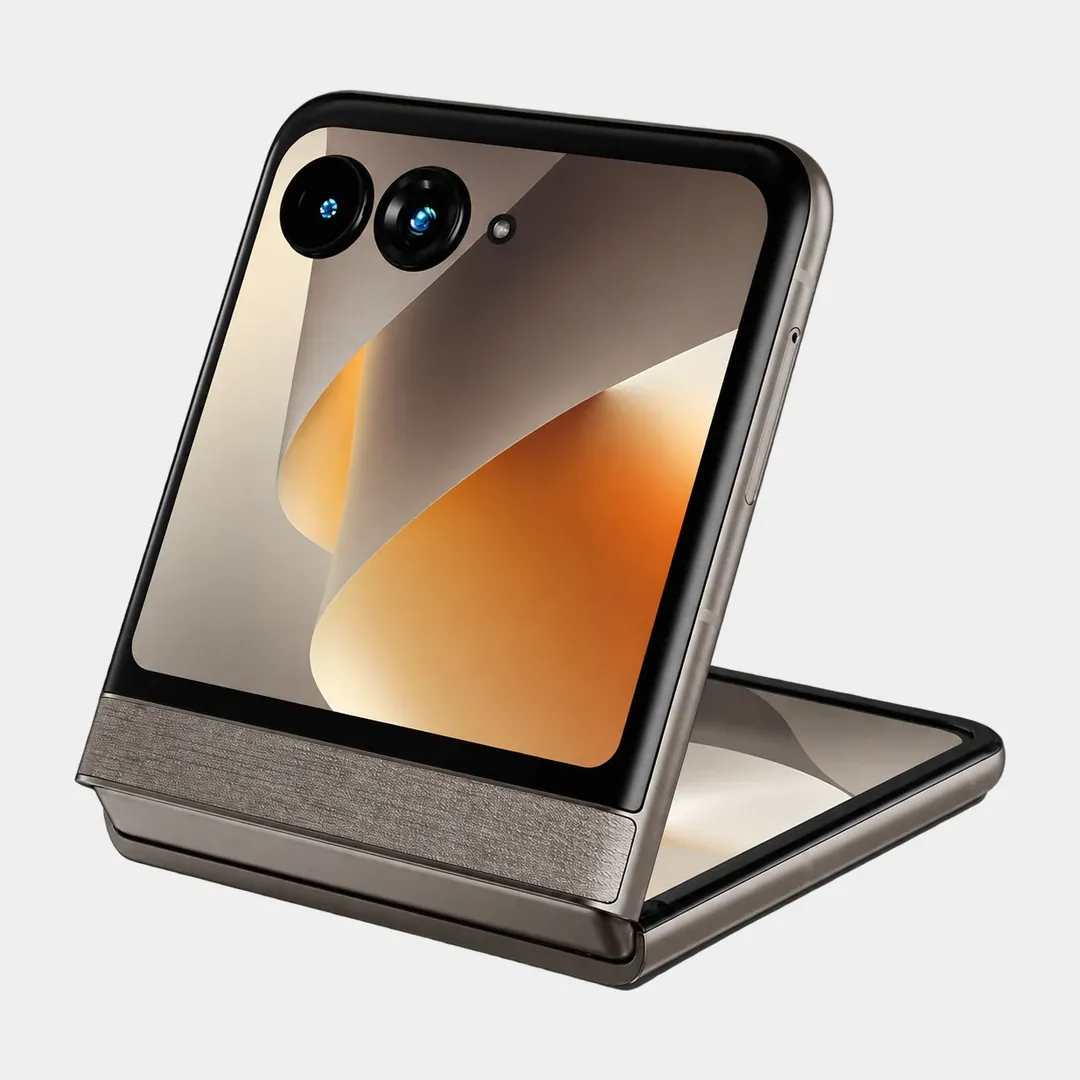
Original 
Creative Studio
Creative Studio starts from the products you already have in your store.
The products and their photos are available in the catalog connected to AOPY. You can use them to create images in Creative Studio, without rebuilding the basic information every time. And for the other stages of marketing you have Feed Manager, Feed Design and Email & SMS, on the same platform.
CATALOG PRODUCT · Leather bag
Demo data- Photo
- Color: brown
- Genuine leather
THE FEATURE
- Creative Studio
- Premium setting, warm light
GENERATED IMAGE
- Ready for campaigns
- Selected · 1:1
You only pay for the images you choose to download.
You can generate more variants, experiment with settings and adjust the images until you get the result you want. The cost applies only to downloaded images, not to every attempt.
Configure your plan
CREATIVE STUDIO
€4ONE-TIME PAYMENT
One-time payment, only for the images you download
PRICE DETAILS
All prices are in EUR, excluding VAT. 21% VAT is added at checkout.
They say you need everything from A to Z. We got as far as Y. The rest is up to you.
You start where you are. You go as far as you want.
Fill in the form and grow your performance: