
Turn plain catalog photos into personalised product images that grab attention in ads and set your brand apart.
With AOPY Feed Design, you add graphic elements, prices, discounts and commercial information directly onto your product images. You decide how they look and what information appears, and AOPY personalises them automatically from each product’s data, without you editing them one by one.
- Custom design
- Automatic prices and discounts
- Elements adapted to each product
Template: Season promo · Applied to 3 products
DESIGN RULES
- −30%Urban sneakers249 lei356 lei30% off · Stock 24
- NEWLinen dress189 leiNew product · Stock 40
- −15%Last 3Leather bag424 lei499 lei15% off · Stock 3
In catalog ads, your products appear next to dozens of other brands. And when they all use plain photos on a white background, it gets harder and harder to stand out.
Personalising your images can make the difference, but preparing hundreds or thousands of products by hand is lost time. Especially when every product has its own price, its own discount and information that keeps changing.
AOPY Feed Design lets you personalise the images of your whole catalog, without working on each product individually.
- Urban sneakers
- −30%Urban sneakers249 lei356 lei
- Price249 lei
- Old price356 lei
- Discount30%
- Brand logo
- −30%249 lei356 lei
- NEW249 lei
- 249 leiFree delivery
Create with AI
- 01
Images that set your products apart
You turn plain catalog photos into personalised images with your brand identity, graphic elements, prices and discounts.
- 02
Automatic personalisation for every product
The design adapts to the information in your catalog. Prices, discounts and graphic elements can vary by product and by the rules you configure.
- 03
Ready-made designs or your own
You start from the templates available in AOPY, build your own design in the editor or use AI to help you create a new one.
Choose a design. Personalise it. AOPY adapts it to your products automatically.
From picking a template to personalising your catalog images, it all happens in three steps.
- 01
Choose how you want your products to look
You start from a ready-made template, create your own design in the editor or use AI to generate a variant that fits your brand.
- 02
Decide what information appears on the images
You add prices, discounts, product names and graphic elements. You set rules that decide when and for which products each element is shown.
- 03
Apply the design to products from your catalog
You select the products you want, and AOPY personalises the images automatically using each product’s data. You can apply the design to hundreds or thousands of products without editing them individually.
- −30%Season promo249 lei356 leiBuy
- NEWMinimal249 lei
- New in collection249 leiFree delivery
- Last 3Limited stock249 leiBuy
- −40%Black Friday214 lei356 lei
- −20%Weekend Online285 leiOnline only
ELEMENTS ON THE IMAGE
- Brand logo
- Pricefrom the feed
- Old pricefrom the feed
RULES
Autumn collection · 124 products selected. Apply the design
| PRODUCT | DESIGN | STATE | IMAGE |
|---|---|---|---|
| Urban sneakers | −30% · 249 lei | Pending | Personalised |
| Leather bag | −15% · Stock 3 | Pending | Personalised |
| Basic hoodie | 159 lei | Pending | Personalised |
| Sports watch | −20% · 312 lei | Pending | Personalised |
| Linen dress | New product | Pending | Personalised |
124 personalised images. Each with the product’s price, discount and stock.
The difference shows.
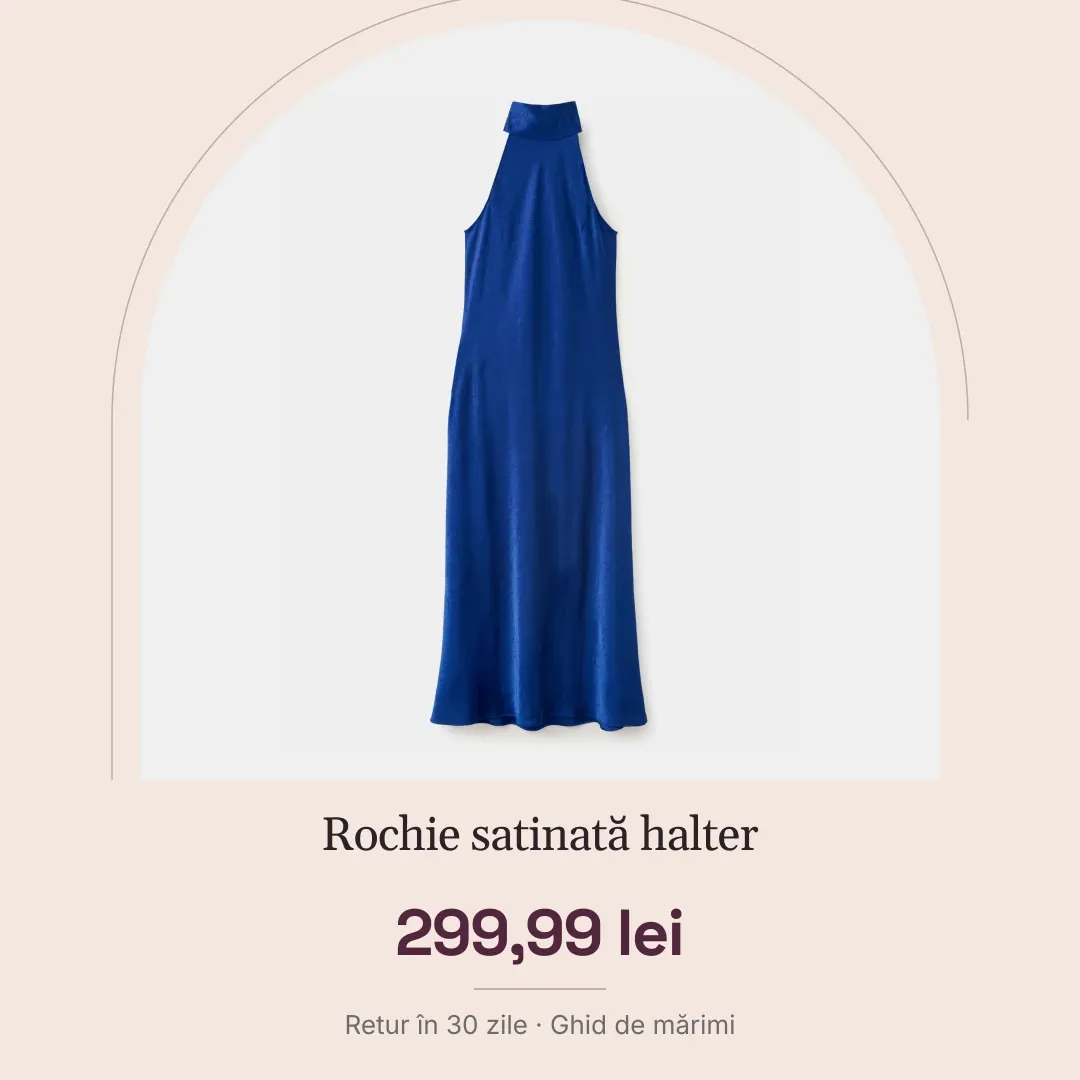
Satin halter dress 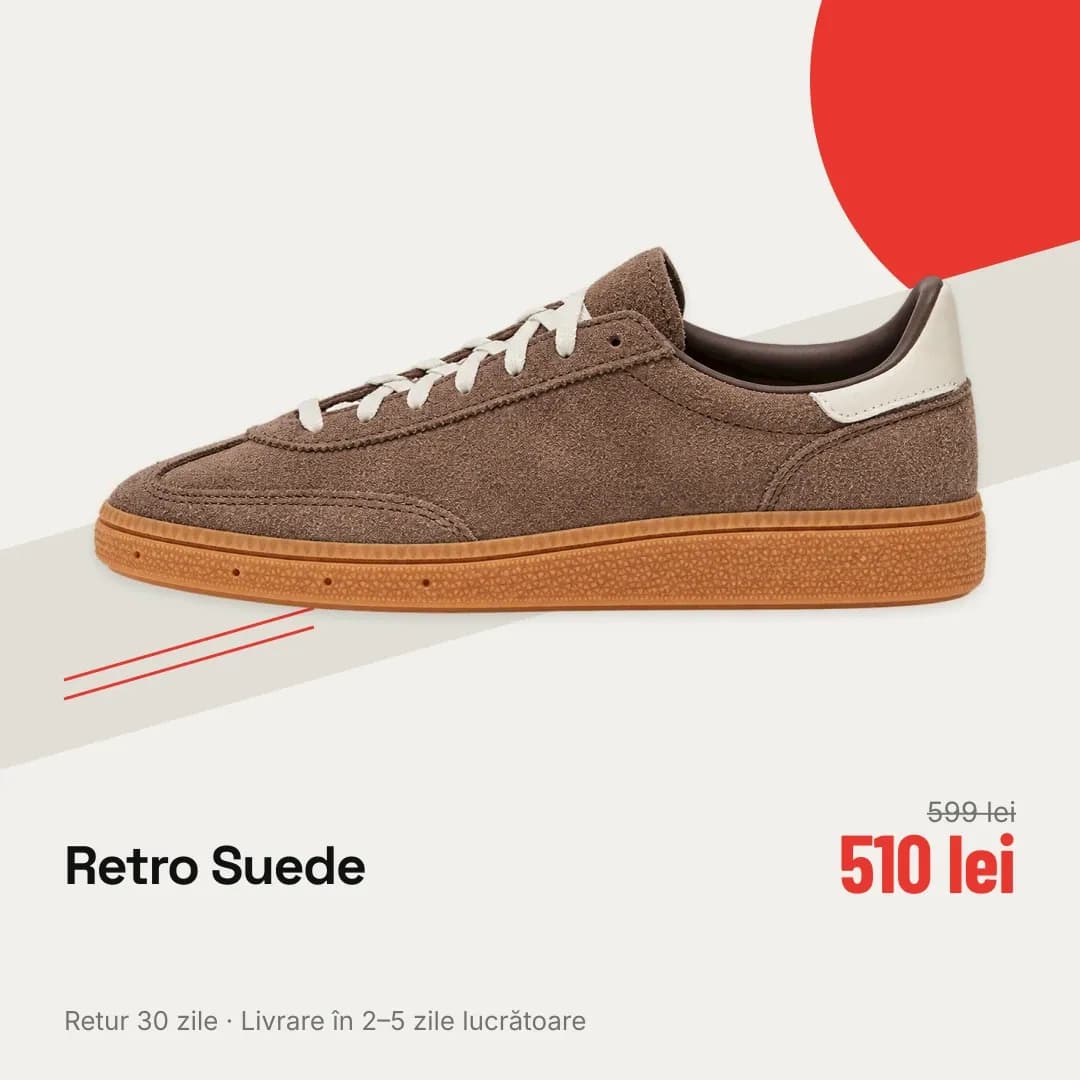
Retro Suede sneakers 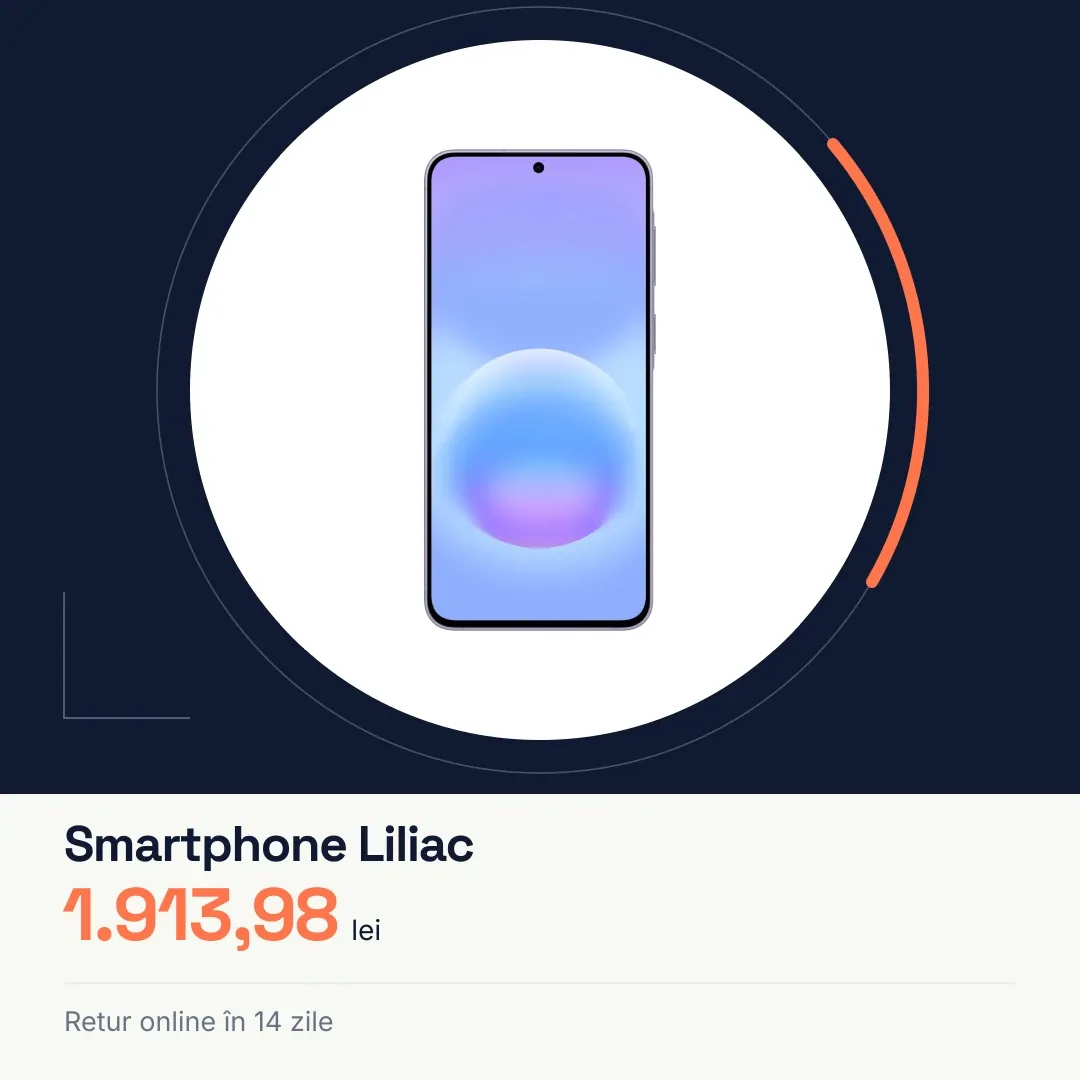
Lilac smartphone 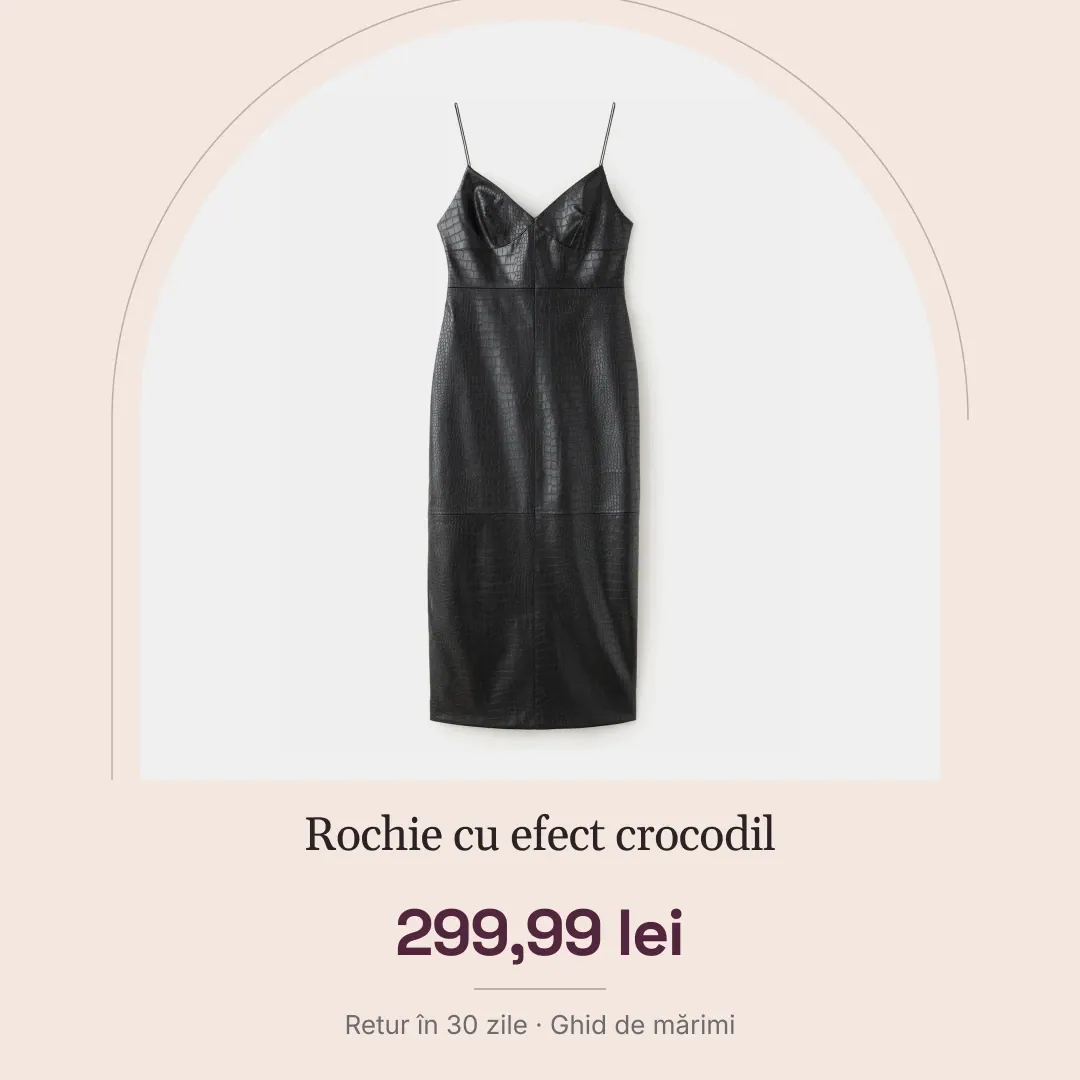
Crocodile-effect dress
From a few products to a whole catalog, with no individual editing.
AOPY applies the selected design to the products you want and personalises the information shown from each product’s data.
Design: Season promo
- −30%249 lei356 lei
- NEW189 lei
- −15%424 lei499 lei
- −20%96 lei120 lei
- 139 lei
- −25%449 lei599 lei
18 personalised images, no individual editing. Each product has its own price, discount and label.
Feed Design does not work apart from the rest of your marketing.
Feed Design uses the product catalog connected to AOPY. So the product information can also be used in Feed Manager, Creative Studio or when preparing Email & SMS campaigns, without rebuilding the same data in separate platforms.
- Urban sneakers249 lei · 30% off · stock 24
- Leather bag424 lei · 15% off · stock 3
- Feed DesignYou are here. Personalised images with the price and discount from your catalog
- Feed ManagerThe same products in your feeds for Google, Meta and TikTok
- Creative StudioCreative variants starting from the same products
- Email & SMSProducts and their prices in campaigns, no rebuilt lists
Pricing that fits the number of products you manage.
Choose your Feed Design plan by the size of your catalog. You know from the start what you pay and what each plan includes.
Configure your plan
FEED DESIGN
€19PER MONTH
Your plan totalEXCL. VAT
PRICE DETAILS
All prices are in EUR, excluding VAT. 21% VAT is added at payment.
They say you need everything from A to Z. We got as far as Y. The rest is up to you.
Start where you are. Go as far as you want.
See what Aopy can do with your products.
Fill in the form and grow your performance: